How to Receive Your First Cryptocurrency with Trust Wallet
A Step-by-Step Guide to Crypto Receiving
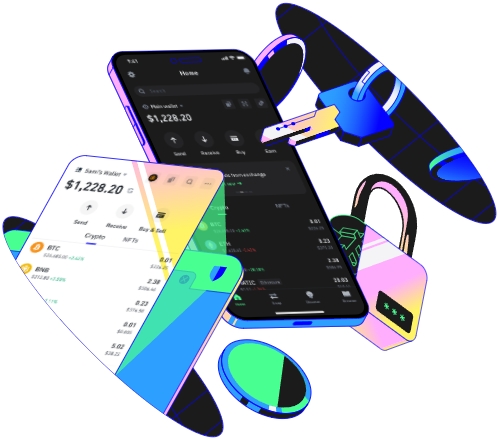
Trust Wallet is a well - known and user - friendly digital wallet that allows you to securely receive, store, and manage various cryptocurrencies. To receive your first cryptocurrency using Trust Wallet, the first step is to download and install the app. You can find it on the official app stores, such as the Apple App Store or Google Play Store. Once installed, open the app and follow the on - screen instructions to set up your wallet. This usually involves creating a strong password and backing up your recovery phrase. The recovery phrase is extremely important as it serves as a key to access your wallet in case you forget your password or lose your device. Make sure to write it down and store it in a safe place.
After setting up your wallet, you need to select the specific cryptocurrency you want to receive. Trust Wallet supports a wide range of cryptocurrencies like Bitcoin (BTC), Ethereum (ETH), and many others. Navigate to the wallet section within the app where you can see a list of available cryptocurrencies. Tap on the cryptocurrency you are interested in. Once you've selected it, you'll be presented with a unique wallet address. This address is like your bank account number in the cryptocurrency world; anyone who wants to send you the selected cryptocurrency will use this address.
It's crucial to double - check that you've selected the correct cryptocurrency before sharing your wallet address. Different cryptocurrencies have different blockchain networks, and sending one type of cryptocurrency to the wrong wallet address can result in the loss of your funds. For example, if someone sends Bitcoin to an Ethereum wallet address, the transaction will likely fail or the funds may be lost forever. So, always ensure that both you and the sender are clear about which cryptocurrency is being transferred.
When sharing your wallet address, you have multiple options. You can simply copy the address and paste it into a message to the sender. Alternatively, Trust Wallet provides a QR code for each wallet address. The QR code is a convenient way for the sender to scan and send the cryptocurrency. It reduces the risk of human error when entering the long and complex wallet address manually. You can share this QR code via email, messaging apps, or even print it out if needed.
Once the sender initiates the transaction, you need to wait for the network confirmation. The time it takes for a transaction to be confirmed depends on the cryptocurrency's blockchain network. For example, Bitcoin transactions may take longer to confirm compared to some other cryptocurrencies. You can track the progress of the transaction within the Trust Wallet app. It will show you the status of the transaction, whether it's pending, confirmed, or if there are any issues. If the transaction is successful, the received cryptocurrency will be visible in your Trust Wallet balance. You can then manage it as you wish, such as holding it for long - term investment, trading it on a supported exchange, or using it for various purposes within compatible platforms.
It's also important to be aware of security measures. Keep your Trust Wallet app updated to the latest version to benefit from the most recent security patches. Avoid sharing your wallet's private keys or recovery phrase with anyone else. If you suspect any unauthorized access to your wallet or notice any unusual transactions, contact Trust Wallet's support immediately. By following these steps and taking proper security precautions, you can safely receive your first cryptocurrency using Trust Wallet.
TAG: your wallet cryptocurrency address Trust
