How to Remove or Hide Tokens from Your Wallet View
Effective Ways to Manage Wallet Token Visibility
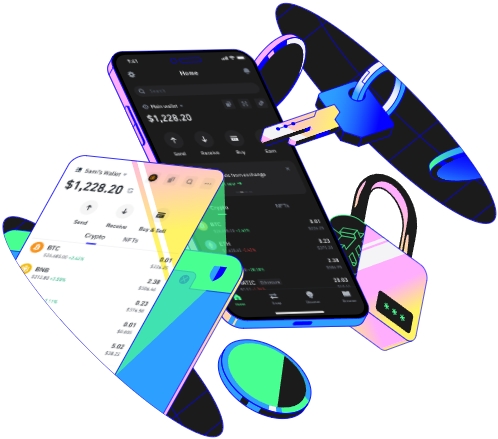
Managing the tokens visible in your wallet view is an important aspect of maintaining a clean and organized digital wallet. Whether you want to remove tokens that you no longer use or hide those that you don't want to be easily visible, there are several methods you can follow. First, it's crucial to understand that different wallet platforms may have different interfaces and processes for token management. However, the general principles remain similar.
When it comes to removing tokens from your wallet view, one common approach is to use the wallet's built - in settings. Most modern wallets provide an option to manage the list of tokens displayed. Navigate to the settings section of your wallet. Usually, there will be a tab or menu related to token management. Here, you can see a list of all the tokens currently in your wallet. Look for the option to remove or delete a token. Before you do so, make sure that you really want to remove the token. Once removed, it may not be immediately easy to add it back, and you need to ensure that there are no outstanding transactions associated with the token.
If you prefer to hide tokens instead of removing them completely, many wallets also offer a hiding feature. This is useful when you still want to keep the token in your wallet but don't want it to clutter your view. Similar to the removal process, access the token management settings in your wallet. Find the option to hide a token. When you hide a token, it will no longer be visible in the main wallet view, but it will still be stored in your wallet and can be accessed if needed. You can usually unhide the token at any time by going back to the token management settings and reversing the hiding action.
Another important consideration is security. When dealing with token removal or hiding, ensure that your wallet is secure. Use strong passwords and enable two - factor authentication if available. Also, be cautious when making changes in your wallet settings. Malicious actors may try to trick you into making unauthorized changes. Always double - check the source of any prompts or instructions related to token management. If you are unsure about a particular step, it's advisable to consult the wallet's official documentation or support team.
Some wallets may require you to have a certain level of technical knowledge to manage tokens effectively. If you are not comfortable with the process, you can seek help from more experienced users or online communities. There are many forums and groups where users share their experiences and offer advice on various wallet - related issues. Additionally, some wallets provide video tutorials on how to manage tokens, which can be very helpful for visual learners.
Finally, keep in mind that the token market is constantly evolving. New tokens are being added, and some may become obsolete. Regularly reviewing and managing your wallet tokens can help you stay on top of these changes and ensure that your wallet remains efficient and secure. By following these steps and being vigilant, you can effectively remove or hide tokens from your wallet view according to your needs.
TAG: wallet token your tokens hide management may settings view want
